



Blog Layout and Content Components
This article demonstrates the available layout and content components of the blog system. It showcases headings, lists, images, tables, quotes, and code blocks rendered from Contentful rich text.
Section 1 – Introduction
Headings are used to structure content and automatically generate the table of contents displayed on the left side of the page. This helps readers navigate longer articles efficiently.
Section 2 – Headings and Structure
The following elements are part of the demo layout:
• Hero image • Automatic table of contents • Rich text formatting • Embedded images • Tables • Code blocks • Quotes
Typical article structure:
1. Introduction 2. Context and explanation 3. Supporting examples 4. Structured data or references 5. Summary or conclusion
Section 3 – Lists
Unordered list
The following elements are part of the demo layout:
• Hero image • Automatic table of contents • Rich text formatting • Embedded images • Tables • Code blocks • Quotes
Section 4 – Quote
“Good documentation and clear layouts make complex ideas easier to understand.”
Section 5 – Code Example
function renderArticle(content) { return renderRichText(content); }
Section 6 - Coding Example
public class Main {
    public static void main(String[] args) {
        System.out.println("Hello, World!");
    }
}
Section 7 – Table Example
Component | Purpose |
|---|---|
Hero Image | Displays the main article image |
Table of Contents | Navigation for long articles |
Rich Text | structured article content |
Image Block | Embedded images inside content |
Tables | Display structured information |
Section 8 – Inline Formatting
Rich text also supports formatting such as **bold text**, *italic text*, and inline code like `const article = render();`.
Section 9 – Image Block
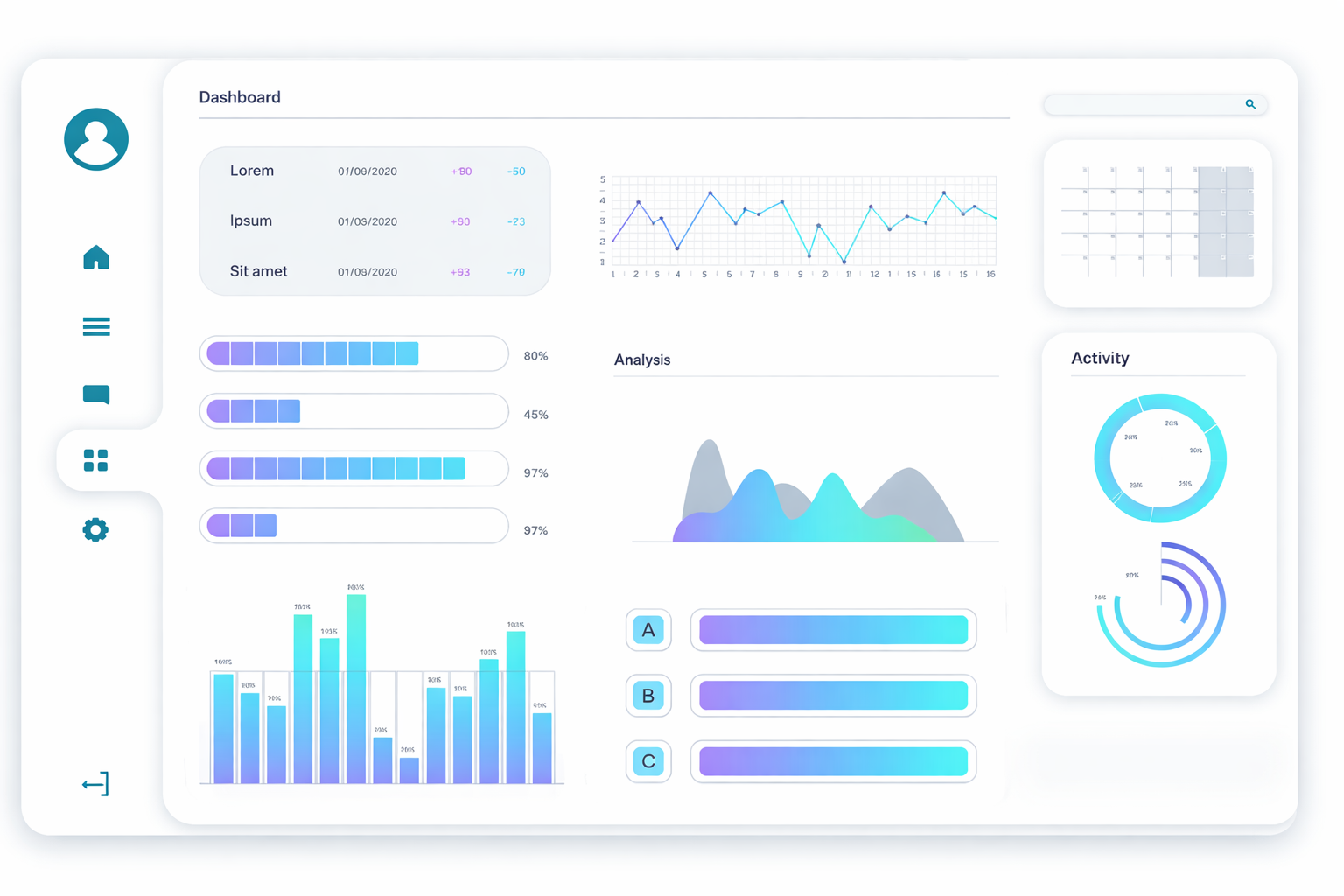
Images can also be embedded directly inside the article body to illustrate concepts or highlight visual examples.
Section 10 - Button Block as Group
Section 11 - YouTube Video
there is a test Video
Section 12 - Image Gallery




Final Section – Layout Behavior
This section helps test scrolling behavior, the active table of contents highlight, and responsive layout behavior across different screen sizes.